Make Changes
To deploy a new version of the Admin Tool to Heroku, you need to follow the below steps:
Make sure you have the Heroku CLI installed.
Make sure you are logged in, by calling
heroku login
Open the Terminal and navigate to the root of the
BigfootAdminrepository (where the .git folder is located).Run the following command if this is the first time you do this:
heroku git:remote -a bigfoot-admin
After you have all of the changes committed and pushed in a branch, push that branch to deploy it as follows:
git push heroku [BRANCH_NAME]:master
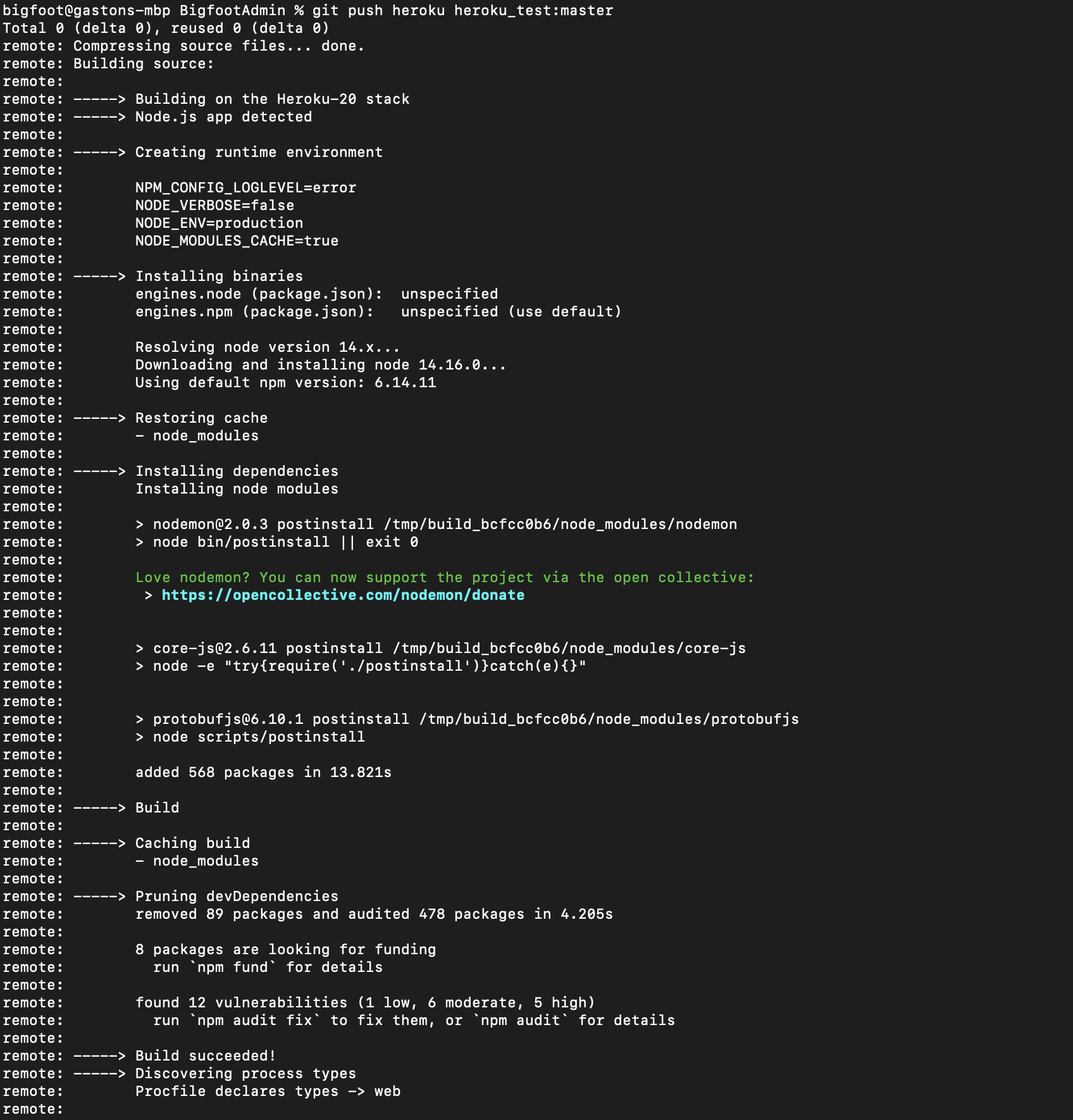
After you execute that command, you should start seeing some logs from Heroku, until the application is deployed.
Note
If you need to see the logs of the application running live, you can open the Terminal and run
heroku logs --tail